
- Consultation fee
- ৳150 · $1.50
For Bangladesh · BM&DC-registered doctors
See an MBBS doctor right now, or compare qualifications and fees and choose your own. If your doctor is offline, book an appointment. Your doctor can start a voice or video call when needed, and your prescription arrives in the app.
Browse here · Consult in the app
From choosing a doctor to getting care
Consultations happen in the ShifaMate app. You can browse doctors on this website without logging in.
Compare profiles, qualifications, fees, and online status. In a hurry? Tap “See a doctor now” in the app.
Log in, provide patient information, and pay. Send a request to an online doctor, or book an upcoming appointment.
Share it in your own words with text, images, or voice messages. Your doctor can start a voice or video call when needed.
Get careful advice, and a digital prescription in the app when clinically appropriate.
Messages, images, and voice messages. Voice and video calls are started by the doctor when needed — patients cannot start a call.
Doctors by department
Search by name or filter by availability. Every doctor is verified before their profile goes live.

General Physician & Internal Medicine Practitioner
MBBS, FCPS (Part 2), BCS (Health)
Indoor Medical Officer (Medicine), Rangamati Medical College Hospital
BM&DC verified

General Physician & Internal Medicine Practitioner
MBBS, FCPS (Part 1), MD (Phase B)
BM&DC verified
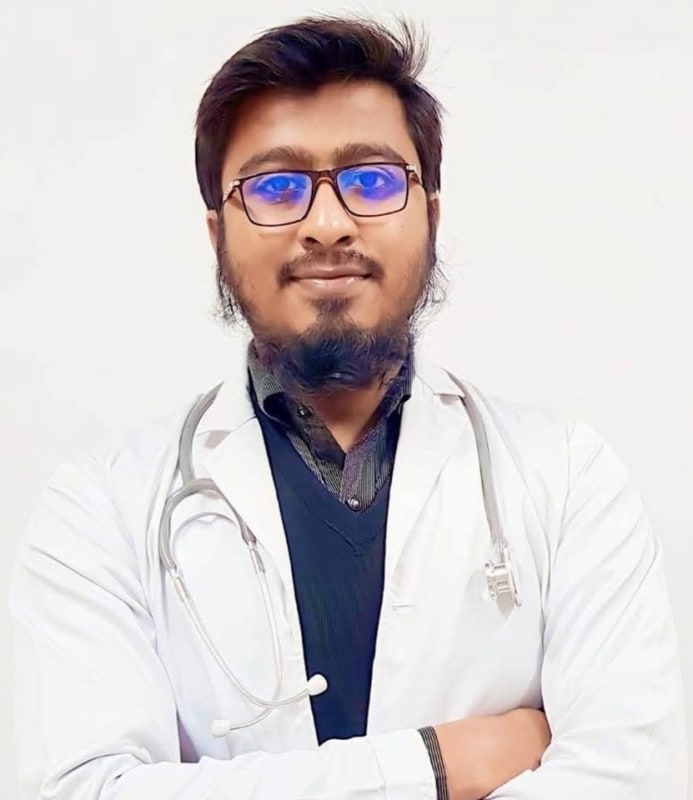

Obstetrics & Gynecology Practitioner
MBBS, FCPS (Part 1), MS (Phase B)
BM&DC verified
Your doctor is offline? Book an appointment for their next available time, or use the bell in the app to be notified when they come online.
Download the app
Browse doctors here, then continue in the ShifaMate app for Android and iPhone. Your consultation and prescription stay in one place.
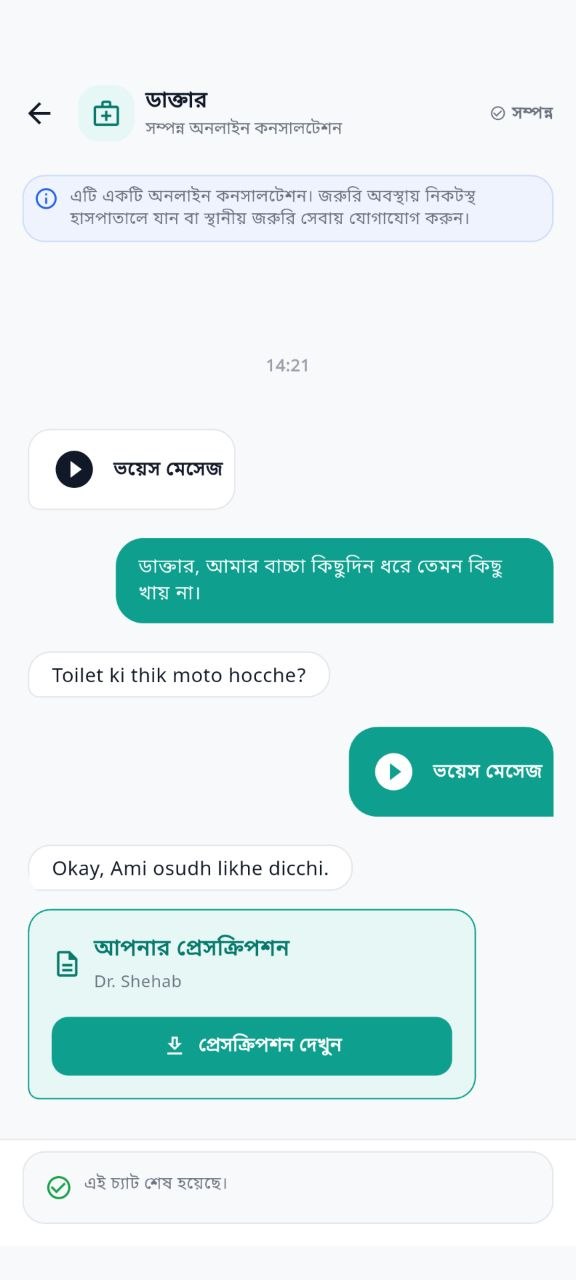
Real app screen · Demonstration data
For doctors
Bring your existing patients online. Create a virtual chamber, set your hours and fees, and consult with messages, images, voice, and voice or video calls you start when needed.
Health articles
Clear, practical guides from the ShifaMate team.

Your doctor is offline and you need advice now. Learn what to do after hours in Bangladesh, what can safely wait until morning, and how to book a slot that fits.

A simple system for organising medical reports in Bangladesh, plus how to share records safely with an online doctor without losing quality or privacy.
Running out of a regular medicine? Learn how continuing prescriptions work through online consultation in Bangladesh, what the doctor needs, and the safety checks to insist on.
Before you begin
Choose an online doctor in the app, provide the patient information, pay the fee, and send your request. The consultation starts when the doctor accepts. You can send messages, images, and voice messages, and the doctor can start a voice or video call when needed.
Yes, both voice and video calls are possible, but only the doctor can start one. During your consultation they will call you by voice or video if they consider it necessary. Patients cannot start a call, and not every consultation includes one.
At set times an MBBS doctor is on call. You can then send a request from the app without choosing a doctor, and it goes straight to the doctor on call. The app shows who that is and the fee before you pay. If nobody answers, your payment stays available for another consultation.
Online means the doctor is in the app to receive requests. They may be helping another patient. Neither online status nor declared hours guarantees an immediate reply or acceptance.
Book an appointment for the doctor's next available time in the app: pay and describe your concern then. You are notified when they come online and can send your request in one tap. If the doctor does not come online, your payment is not lost and can be used with another doctor. You can also just use the bell on their profile to be notified.
If the doctor does not accept, your unused payment remains available for another consultation. To request a refund, email contact@shifamate.com or contact WhatsApp +1 447 902 2477.
The doctor may issue a digital prescription when clinically appropriate. You can view and download it in the app. A prescription is not guaranteed for every consultation.
No. ShifaMate is not an emergency service. In a medical emergency, seek immediate in-person care or local emergency assistance instead of waiting for an online reply.
Your next step
Explore profiles, qualifications, and fees. When you're ready, request a consultation in the app.
Not an emergency service. In a life-threatening situation, call your local emergency number or go to the nearest hospital immediately.